Skip to content

Decksical

Markdown Slides with Zensical

From Markdown to a slide

Write Markdown

---
template: slide.html
---

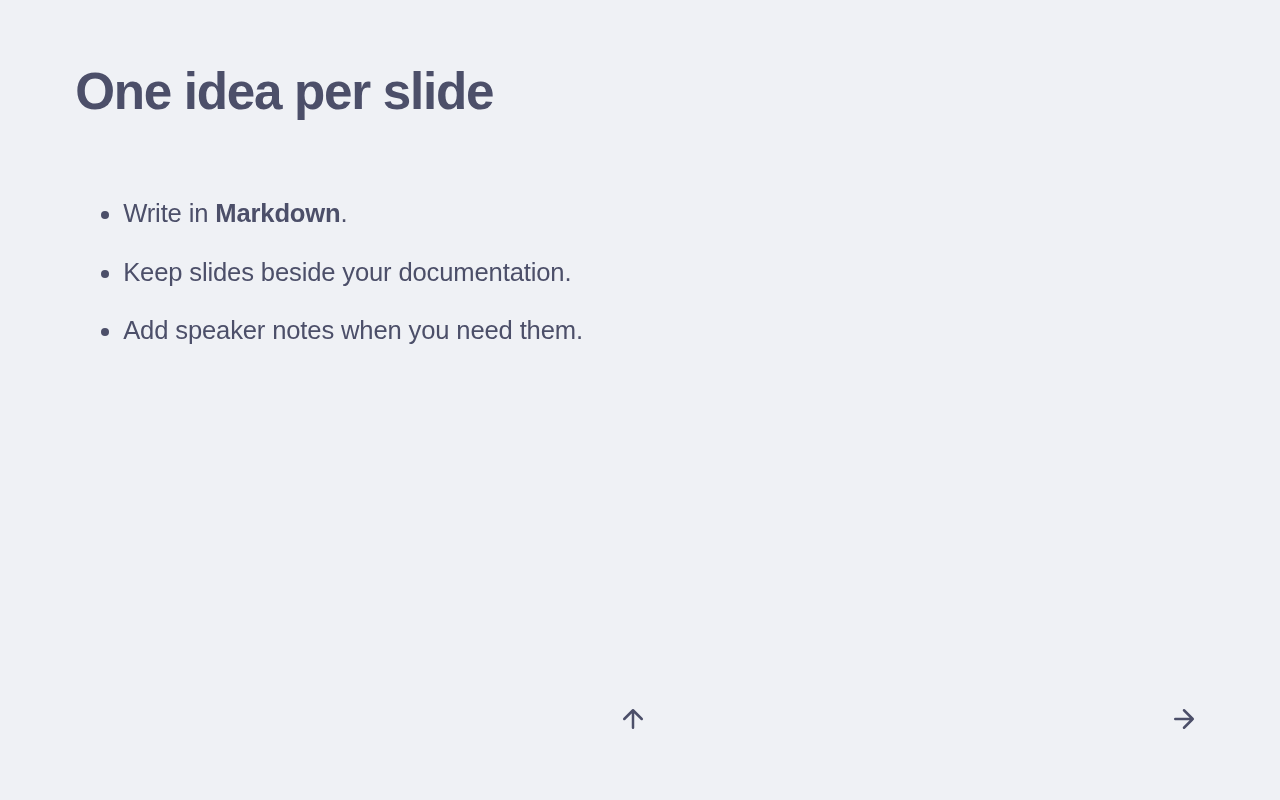
# One idea per slide

- Write in **Markdown**.
- Organize slides in a folder that suits your project.
- Add speaker notes when you need them.

Present the slide

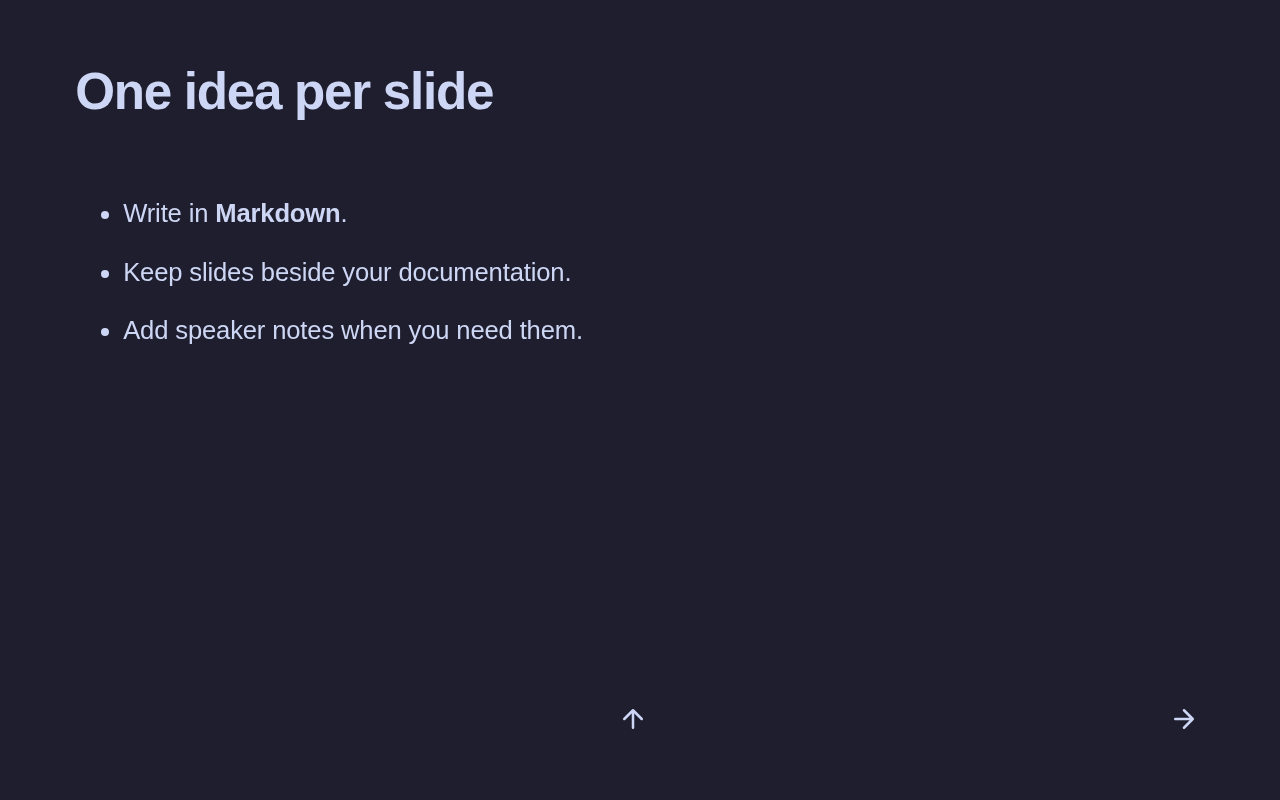
Rendered slide titled One idea per slide, with three bullet points and navigation arrows. Rendered slide titled One idea per slide, with three bullet points and navigation arrows.

Make your first deck

  1. Install the theme in your Zensical project.
  2. Get started with a complete two-slide example.
  3. Use the authoring reference for layouts and speaker notes.
  4. Read Presenting for navigation, notes, and printing.

Explore the example deck to see more layouts.